
Choosing a host becomes harder once your website starts making money. At that point, low pricing is no longer the only concern. You also need predictable speed, safe backups, reliable support, staging tools, and a setup that does not collapse when traffic suddenly increases.
This WP Engine vs Cloudways comparison looks at two premium hosting options built for growing websites. Both can run WordPress well, both include managed tools, and both are more capable than basic shared hosting. But they approach hosting in very different ways.
WP Engine is a WordPress-only managed platform. It is built for agencies, publishers, ecommerce brands, membership sites, and businesses that want a controlled WordPress environment with strong development workflows.
Cloudways is managed cloud hosting. It lets you deploy WordPress, WooCommerce, Laravel, Magento, PHP applications, and other projects on cloud infrastructure from providers such as DigitalOcean, Vultr, Linode, AWS, and Google Cloud.
For most high-value WordPress websites, WP Engine offers the more polished managed experience. For users who want flexibility, lower entry pricing, multiple websites on one server, and more control over resources, Cloudways is usually the better deal.
WP Engine vs Cloudways: Quick Comparison
| Feature | WP Engine | Cloudways |
|---|---|---|
| Starting price | Starts at around $30 per month | Starts at around $11 per month with DigitalOcean |
| Hosting type | Premium managed WordPress hosting | Managed cloud hosting |
| Website support | WordPress only | WordPress, WooCommerce, Laravel, Magento, PHP, Node.js, and more |
| Performance stack | EverCache, managed WordPress optimization, CDN, staging | NGINX, Apache, PHP-FPM, Varnish, Memcached, Redis, Lightning Stack |
| Storage | Startup includes 10 GB local storage | Depends on the cloud provider and server plan |
| Server resources | Shared managed environment on Essential plans | Dedicated cloud-server resources |
| Backups | Daily and on-demand backups with 30-day retention | Automated offsite backups and on-demand backups |
| Support | Startup has chat support; higher plans include phone and chat | 24/7 chat and ticket support; phone support is a paid upgrade |
| Dashboard | WP Engine User Portal | Cloudways Platform |
| Root access | No | No |
| Best for | Agencies, publishers, ecommerce brands, serious WordPress sites | Agencies, WordPress users, developers, ecommerce stores, cloud flexibility |
WP Engine’s Essential plans currently begin at $30 per month for Startup, followed by Professional, Growth, and Scale tiers. Cloudways Flexible hosting starts at $11 per month and uses pay-as-you-go billing across several cloud providers.
WP Engine Review: Why It Is Better for Serious WordPress Websites
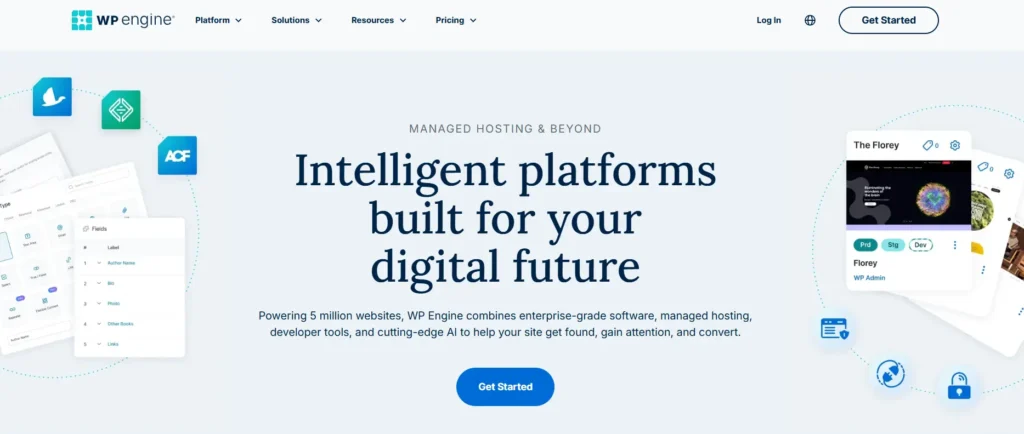
WP Engine is not designed to be the cheapest WordPress host. It is designed to reduce the operational work that comes with running an important WordPress site.
That matters when your website handles sales, leads, subscriptions, affiliate revenue, paid campaigns, or large amounts of organic traffic. A slow checkout page, broken plugin update, or poorly timed cache issue can cost more than the difference between a $15 plan and a $30 plan.
WP Engine Performance and EverCache
WP Engine is built around WordPress. Its platform uses EverCache, managed caching, CDN services, SSL, staging environments, automated backups, and WordPress-specific support tools.
Caching is one of the main reasons WP Engine performs well for content sites and high-traffic WordPress websites. When a page can be cached, the server does not need to process PHP, load plugins, and query the database for every visitor.
This can improve TTFB, or Time to First Byte, especially for blogs, affiliate sites, review websites, landing pages, and publishers with mostly anonymous visitors.
WP Engine also includes CDN access on its plans. Its modern network options use Cloudflare at the edge, which can reduce latency for visitors located far from the origin server.
WP Engine Development and Staging Tools
This is where WP Engine has a major advantage over Cloudways for agencies and professional WordPress teams.
A WP Engine site can include separate Production, Staging, and Development environments. These environments operate independently, allowing developers to test updates, redesigns, plugin changes, PHP changes, and code before pushing anything live.
For example, imagine that you are updating a WooCommerce checkout plugin before a major promotion. On a basic host, you may update the live site and hope nothing breaks.
With WP Engine, you can copy the production site to staging, test the update, confirm the checkout works, and then move the approved changes to production. That process is safer for revenue-generating websites.
WP Engine also supports Git, SSH, WP-CLI, Local, and modern deployment workflows. This makes it useful for agencies that work with developers, freelance designers, marketers, and clients at the same time.
WP Engine Backups and Security
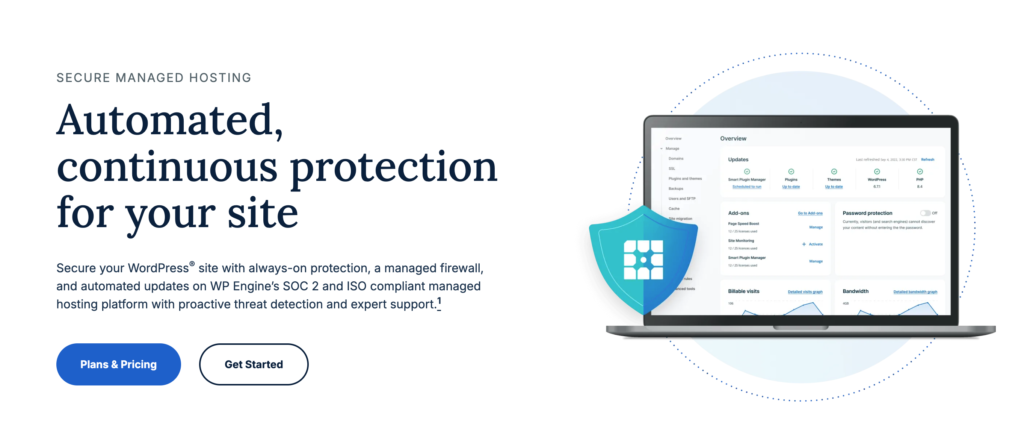
WP Engine automatically creates backups every day and allows users to create manual backup checkpoints. Its support documentation states that backups are retained for 30 days.
Thirty days is useful when an issue is not noticed immediately. A plugin conflict, accidental deletion, malware problem, or broken theme update may not be discovered for several days.
WP Engine includes auto-renewing SSL, SSH access, WordPress-focused support, security patching, and plugin risk scanning. Advanced network services and Global Edge Security can add a Cloudflare-based CDN, web application firewall, DDoS mitigation, and other protections, depending on the plan and add-ons selected.
WP Engine Pros
- Built specifically for WordPress
- Production, Staging, and Development environments
- Strong backup history with 30-day retention
- EverCache for managed WordPress performance
- CDN included on current Essential plans
- Strong agency and developer workflows
- Git, SSH, WP-CLI, and Local support
- WordPress-focused support team
- Better choice for high-value websites
- More controlled environment for ecommerce and membership sites
WP Engine Cons
- More expensive than Cloudways
- Supports WordPress only
- Startup plan includes chat support but not phone support
- Lower storage allowance on entry plans
- Advanced security tools may require paid add-ons
- Not ideal for Laravel, Magento, Node.js, or custom server applications
- Less flexible for users who want server-level control
Cloudways Review: Why It Is Better for Flexibility and Value
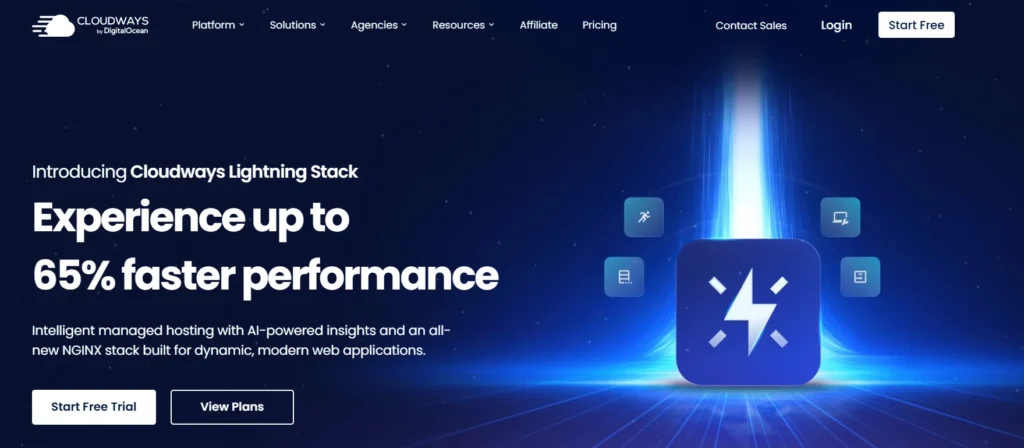
Cloudways is a different kind of managed host. It is not tied to one hosting infrastructure provider, and it is not limited to WordPress.
You can launch WordPress, WooCommerce, Laravel, Magento, PHP applications, and Node.js projects through the Cloudways Platform. You can then choose infrastructure from DigitalOcean, Vultr, Linode, AWS, or Google Cloud.
That makes Cloudways attractive for agencies and businesses that manage many websites or applications with different requirements.
Cloudways Performance and Cloud Infrastructure
Cloudways gives you more flexibility because you choose the server size, provider, and location.
For example, a smaller WordPress blog may run well on a DigitalOcean server. A busy WooCommerce store may benefit from a larger Vultr High Frequency server. A company running a complex application may prefer AWS or Google Cloud.
Cloudways manages much of the server work, but it still gives users access to a more configurable setup than WP Engine.
Its managed stack includes components such as NGINX, Apache, PHP-FPM, Varnish, Memcached, and optional Redis. Cloudways also promotes its Lightning Stack, which is designed around NGINX and PHP-FPM for modern PHP and WordPress applications.
For WordPress sites, Varnish can reduce repeated page-generation work. Redis and Memcached can reduce database pressure. This is particularly useful for WooCommerce stores, membership websites, directories, learning platforms, and websites with larger databases.
Cloudways Dashboard and Server Controls
Cloudways does not use cPanel. It has its own dashboard for managing servers and applications.
From the Cloudways Platform, you can:
- Launch WordPress, WooCommerce, Laravel, Magento, PHP, and Node.js applications
- Create staging environments
- Clone applications and servers
- Configure backups
- Restore applications
- Manage SSL certificates
- Enable Varnish, Redis, and Memcached
- Monitor CPU, RAM, storage, and bandwidth
- Add team members
- Use SSH and SFTP
- Deploy through Git
- Scale server resources
Cloudways is easier than managing a raw DigitalOcean, AWS, or Vultr server. But it is more technical than WP Engine because you still need to choose your server size, understand resource limits, and decide which cache tools to enable.
Cloudways does not provide root access. It also does not let users connect their own cloud-provider credentials because its managed environment depends on Cloudways controlling the infrastructure configuration.
Cloudways Backups and Security
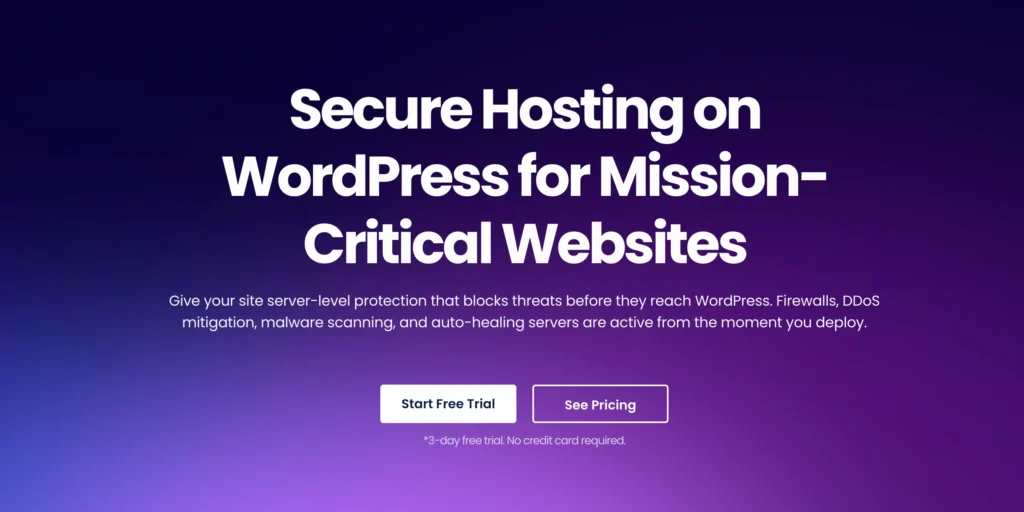
Cloudways includes automated offsite backups and on-demand application backups. Backup frequency and retention can be configured from the platform, and users can restore backups when necessary.
Its basic security setup includes server-level firewalls, free SSL certificates, two-factor authentication, isolated applications, monitoring, and managed server updates.
Cloudways also offers Cloudflare Enterprise as an optional add-on. The service can add CDN functions, edge caching, DDoS protection, web application firewall tools, Argo Smart Routing, and other security features. Pricing starts around $4.99 per application per month for smaller accounts.
Cloudways Pros
- Lower starting price than WP Engine
- Pay-as-you-go monthly and hourly billing
- Choice of DigitalOcean, Vultr, Linode, AWS, and Google Cloud
- Can host WordPress and non-WordPress applications
- Dedicated cloud-server resources
- Supports multiple applications on one server
- Varnish, Redis, Memcached, and PHP controls
- Easy server scaling
- Staging and cloning tools
- Automated and on-demand backups
- Strong option for agencies with many client sites
Cloudways Cons
- More technical than WP Engine
- No root access
- No bundled email hosting
- Performance depends on chosen cloud provider and server size
- Some security and CDN tools cost extra
- Phone support requires a paid support plan
- Requires more hands-on performance management
- Less polished WordPress workflow than WP Engine
WP Engine vs Cloudways: Speed, TTFB, and Traffic Handling
Is WP Engine faster than Cloudways?
For a standard WordPress blog or affiliate website, both can be very fast when configured properly. The winner depends more on your website setup than on the logo in the hosting dashboard.
WP Engine is easier for WordPress users because caching, staging, backups, and CDN tools are already part of a managed WordPress workflow. You do not need to decide which cloud provider to use or manually tune Varnish, Redis, and PHP settings.
Cloudways can be faster when you choose a powerful server and configure the stack properly. A WordPress website on a larger Vultr High Frequency or DigitalOcean server can have more dedicated resources than a small WP Engine Startup plan.
TTFB is affected by several factors:
- Server location
- CDN configuration
- Theme quality
- Number of plugins
- Page builder usage
- Database size
- PHP version
- Cache settings
- WooCommerce activity
- Logged-in visitors
- Third-party scripts
- Traffic spikes
For a fair stress test, both platforms should use the same WordPress theme, plugins, image sizes, CDN setup, and visitor region.
WP Engine has the advantage for managed consistency. Cloudways has the advantage for server flexibility.
WP Engine User Portal vs Cloudways Platform
Choose WP Engine User Portal if you want:
- A WordPress-only environment
- Production, Staging, and Development sites
- Safer deployment workflows
- Managed caching and backups
- Developer tools built around WordPress
- Easier agency collaboration
- Less server-level decision making
Choose Cloudways Platform if you want:
- Multiple websites on one cloud server
- WordPress and non-WordPress applications
- Server size and provider choices
- Redis, Varnish, Memcached, and PHP controls
- Cloud scaling without raw server administration
- More flexible pricing
- Better control over resource allocation
WP Engine is easier for WordPress teams. Cloudways is more flexible for agencies, developers, and multi-site publishers.
Customer Support: Which Host Is Better?
Imagine your website breaks during a paid campaign. A plugin update causes a fatal error, checkout pages stop working, or a database issue makes your site slow.
With WP Engine, the support team is focused on WordPress. That matters when the problem involves plugins, themes, WordPress updates, staging, cache behavior, or deployment workflows.
WP Engine offers 24/7 WordPress support. Startup includes chat support, while Professional, Growth, Scale, and Core plans include both chat and phone support.
Cloudways also provides 24/7 support through live chat and tickets. It is useful for server configuration, application deployment, backups, cache management, SSL, resource issues, and cloud-server troubleshooting.
WP Engine is better when your issue is deeply connected to WordPress.
Cloudways is better when your issue involves cloud resources, multiple applications, server sizing, or a more customized hosting environment.
Pricing and Renewal Secrets
WP Engine starts at around $30 per month for Startup. Professional starts around $55, Growth around $109, and Scale around $276 monthly.
Cloudways starts around $11 per month through DigitalOcean, but the final price changes based on the provider, server size, backup usage, Cloudflare Enterprise add-ons, and support tier.
Neither host uses the traditional shared-hosting model where you pay a very low amount for four years and then face a large renewal increase.
Cloudways is cheaper for users who can manage some technical settings and host multiple websites on one server.
WP Engine costs more because each site gets a more structured managed WordPress environment, staging workflow, backup history, CDN, and WordPress-focused support.
The right choice depends on how much your time is worth.
If you spend several hours each month handling caching, updates, server monitoring, database issues, and plugin conflicts, WP Engine may be worth the higher monthly cost.
Best For Scenarios
| Situation | Better Choice | Why |
|---|---|---|
| New WordPress blogger | Cloudways | Lower starting cost and easy cloud scaling |
| Affiliate website | Cloudways | Multiple sites can run on one server |
| High-revenue affiliate site | WP Engine | Better WordPress workflow, backups, and support |
| Portfolio website | Cloudways | Lower cost and flexible server options |
| Small WooCommerce store | Cloudways | Better value and dedicated resources |
| Busy WooCommerce store | WP Engine | Safer staging and managed WordPress tools |
| Digital agency | Cloudways | Multiple client sites on one server |
| WordPress agency | WP Engine | Better staging, development, and client workflows |
| Laravel or custom PHP app | Cloudways | WP Engine does not support non-WordPress apps |
| Membership website | WP Engine | More controlled managed WordPress environment |
| Developer needing cloud flexibility | Cloudways | More provider choices and server controls |
Final Verdict: WP Engine vs Cloudways
For most users who want flexible managed cloud hosting, Cloudways is the better value.
It costs less, supports more than WordPress, allows multiple websites on one server, gives you cloud-provider choices, and offers better flexibility for agencies, developers, affiliate marketers, and ecommerce site owners.
For serious WordPress businesses, WP Engine is the stronger premium platform.
It offers better staging workflows, stronger WordPress-specific support, managed backups with 30-day retention, CDN access, developer tools, and a more controlled environment for sites where a mistake can cost real revenue.
Choose Cloudways when you want flexibility, lower starting costs, multiple applications, and cloud-server scalability.
Choose WP Engine when your WordPress website is a major business asset and you want less operational risk.
For the best managed cloud hosting in 2026, Cloudways is the smarter choice for value and flexibility. For premium managed WordPress hosting, WP Engine remains the better choice for agencies and business-critical websites.
WP Engine vs Cloudways FAQs
Is WP Engine faster than Cloudways?
WP Engine is easier to optimize for WordPress because caching, staging, backups, and CDN tools are managed for you. Cloudways can be faster when you choose a stronger cloud server and configure Varnish, Redis, caching, and CDN settings correctly.
Is Cloudways cheaper than WP Engine?
Yes. Cloudways starts around $11 per month, while WP Engine starts around $30 per month. However, Cloudways may cost more as you increase server resources, add Cloudflare Enterprise, purchase premium support, or host larger applications.
Does Cloudways support WordPress?
Yes. Cloudways supports WordPress, WooCommerce, Magento, Laravel, PHP applications, Node.js, and other supported applications. WP Engine focuses only on WordPress hosting.
Does WP Engine provide phone support?
WP Engine Startup includes chat support. Professional, Growth, Scale, and Core plans include phone and chat support.
Does Cloudways include backups?
Yes. Cloudways includes automated offsite backups and on-demand backups. Backup frequency and retention can be configured from the Cloudways Platform.
Which is better for an agency, WP Engine or Cloudways?
Cloudways is better for agencies managing many websites on shared cloud servers at lower cost. WP Engine is better for agencies that need safer WordPress staging workflows, development environments, predictable backups, and more structured client deployments.