
The best managed WordPress hosting is not always the cheapest plan or the host with the longest list of features. It is the provider that keeps your WordPress website fast, secure, backed up, and easy to manage without making you deal with server maintenance every week.
A basic WordPress blog can run on standard shared hosting. But once your site relies on WooCommerce, paid traffic, lead forms, membership features, a page builder, or regular search traffic, weak hosting can become a serious problem. Slow pages, failed updates, downtime, and missing backups can cost you visitors, rankings, leads, and sales.
Managed WordPress hosting removes much of the technical work. The provider handles important tasks such as server maintenance, security updates, backups, caching, monitoring, and WordPress-specific support.
This guide compares six managed WordPress hosting providers for different needs: Hostinger, Cloudways, Kinsta, WP Engine, SiteGround, and DreamHost.
Why do WordPress websites need managed hosting instead of normal shared hosting?
A standard website mostly serves files such as HTML, images, CSS, and JavaScript. WordPress does more work in the background.
Every visitor request can involve PHP processing, database queries, plugins, themes, cached content, security checks, and external scripts. WooCommerce websites add product searches, inventory checks, carts, payment activity, customer accounts, and order data.
That is why WordPress websites can become slow even when they do not have massive traffic. A heavy theme, too many plugins, weak caching, low server resources, or poor database performance can create problems long before you reach thousands of daily visitors.
Managed WordPress hosting is designed to reduce these issues. It usually includes server-level optimization, security monitoring, backups, staging environments, WordPress updates, caching, and WordPress-trained support.
Pro Tip: Managed WordPress hosting is usually worth paying for when your website generates leads, commissions, sales, bookings, or customer data. A cheap plan can become expensive when downtime affects revenue.
Choose managed WordPress hosting that protects speed, backups, and revenue
Managed WordPress hosting should make your website easier to run, not simply provide more storage.
Before choosing a provider, check whether the plan includes:
- Automatic WordPress updates
- Daily backups
- One-click backup restoration
- Staging environments
- Server-level caching
- CDN support
- Malware and DDoS protection
- Free SSL certificates
- Website migration support
- PHP version management
- WooCommerce compatibility
- WordPress-specific support
- A practical upgrade path
A staging environment is especially important. It lets you test plugin updates, theme changes, checkout changes, and design edits without risking the live website. Kinsta, WP Engine, SiteGround, and DreamHost offer staging features on eligible managed WordPress plans.
For WordPress compatibility, your host should support modern PHP, MySQL or MariaDB versions, HTTPS, and a suitable web server configuration. WordPress currently recommends PHP 8.3 or higher, MariaDB 10.6 or higher or MySQL 8.0 or higher, HTTPS, and Nginx or Apache with mod_rewrite support.
Understand the technical specs before you buy
You do not need to become a server administrator. But understanding a few technical terms will help you choose a better managed WordPress host.
Edge caching and CDN: why WordPress caching matters
Caching stores a ready-to-load version of your pages so the server does not need to rebuild every page from scratch for every visitor.
This is important for blogs, affiliate websites, business websites, and content-heavy WordPress sites. Without caching, every visitor can trigger PHP and database activity. With good caching, your host can serve many pages faster and reduce server load.
A CDN, or content delivery network, stores copies of static files such as images, CSS, JavaScript, and fonts in locations closer to visitors. This can improve load times for global audiences.
Kinsta includes a CDN and edge caching features, while SiteGround includes caching and CDN tools in its managed WordPress platform.
Pro Tip: Do not install three different caching plugins. Use your host’s recommended caching system first, then add another tool only if you understand why it is needed.
PHP workers, CPU, and RAM: what they actually do
CPU handles server processing tasks. RAM helps the server keep active processes running smoothly. PHP workers are especially important for WordPress because they process uncached requests.
For example, a cached blog post may load quickly with little server work. But WooCommerce carts, checkout pages, member dashboards, admin pages, search features, and contact forms usually cannot be served from cache.
A small blog may work well on a low-resource managed plan. A WooCommerce store, membership website, online course platform, or busy agency site may need more CPU, RAM, and PHP worker capacity.
Cloudways is useful for growing WordPress sites because it offers managed cloud hosting with scalable server resources.
Pro Tip: If your site slows down during sales, traffic spikes, or product launches, your problem may be limited PHP workers or server resources instead of your WordPress theme.
Daily backups and staging: why recovery tools matter
Backups are not exciting until something goes wrong. A failed plugin update, hacked website, accidental deletion, broken theme change, or database issue can damage a website in minutes.
A good managed WordPress host should create automatic backups and let you restore them without opening a support ticket.
Kinsta includes daily backups with a minimum 14-day retention period on its managed WordPress hosting. WP Engine includes daily and on-demand backups on its managed platform, while DreamPress includes daily automated backups and backup retention on its plans.
Staging is equally important because it gives you a safe version of your site for testing updates before making them live.
Pro Tip: Always create a backup before changing themes, editing code, updating WooCommerce, changing payment plugins, or installing a major plugin.
Data center locations and latency: why distance still matters
Your data center is the physical location of the server running your website. The farther it is from your visitors, the more time it can take for data to travel.
If your audience is mainly in the United States, a US data center is usually the sensible choice. If your readers are in India, Europe, Australia, or Southeast Asia, choose the closest available region.
A CDN helps reduce distance for static files, but your main server location still matters for dynamic actions such as WooCommerce checkout, customer logins, database searches, forms, and membership dashboards.
Kinsta offers a global network of data centers and managed WordPress infrastructure designed for speed and scalability.
The 6 best managed WordPress hosting providers
1. Hostinger: best overall for beginner and growing WordPress sites
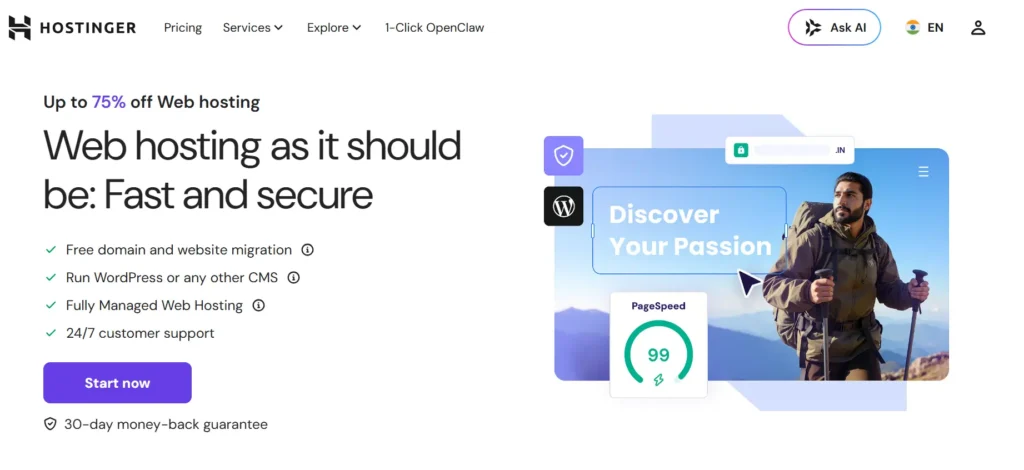
Hostinger is a practical managed WordPress hosting choice for beginners, affiliate marketers, bloggers, local businesses, and smaller WooCommerce stores.
Its managed WordPress plans focus on performance, security, support, WordPress tools, and easier day-to-day website management. Hostinger also uses LiteSpeed technology for managed hosting and states that it manages server maintenance, security updates, and backups for customers.
Hostinger is best for:
- New WordPress websites
- Affiliate blogs
- Local business sites
- Portfolio websites
- Content-heavy blogs
- Small WooCommerce stores
- Users who want a simple dashboard
- Website owners with a limited budget
Its biggest advantage is ease of use. The hPanel dashboard keeps WordPress, backups, domains, SSL, email, and hosting tools in one place.
Hostinger may not be the final choice for large membership platforms, major WooCommerce stores, or high-traffic publishers. But it gives most new website owners a strong starting point and a clear path toward cloud or VPS hosting later.
2. Cloudways: best for scalable cloud hosting and WooCommerce growth
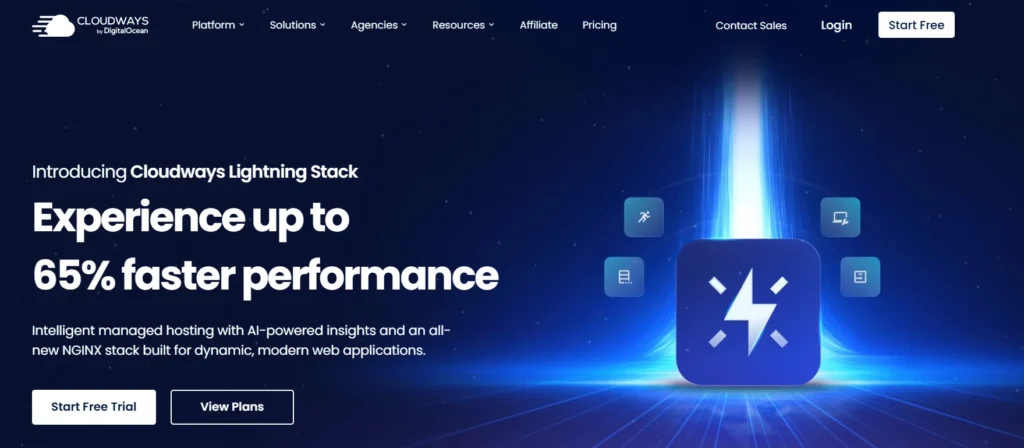
Cloudways is a managed cloud hosting platform for WordPress, WooCommerce, Magento, Laravel, and custom PHP applications.
It is a strong option for users who have outgrown shared hosting but do not want the work of managing a raw cloud server. Cloudways offers managed cloud infrastructure, scalable server resources, backups, monitoring, caching tools, and support across providers such as DigitalOcean, AWS, Google Cloud, Linode, and Vultr.
Cloudways also includes caching options such as Varnish, Memcached, and Redis to improve WordPress performance.
Cloudways is best for:
- Growing WooCommerce stores
- High-traffic affiliate websites
- Agencies managing client sites
- Membership websites
- Businesses using advanced plugins
- Developers who want more server control
- Websites that need flexible scaling
The downside is that Cloudways is more technical than Hostinger, SiteGround, or DreamHost. It is still easier than self-managed cloud hosting, but beginners will need time to understand servers, applications, backups, and scaling.
3. Kinsta: best premium managed WordPress hosting for authority sites

Kinsta is a premium managed WordPress host for established businesses, high-value affiliate websites, agencies, publishers, membership sites, and ecommerce brands.
Its managed WordPress platform includes premium data centers, automatic OS-level security patching, daily backups, staging environments, performance tools, CDN features, and WordPress-focused support.
Kinsta is best for:
- Authority affiliate websites
- Premium WooCommerce stores
- Agencies
- Publishers with consistent traffic
- Membership platforms
- High-value lead-generation websites
- Teams that need staging and developer tools
Kinsta plans currently start at $30 per month, with free migrations and 24/7 expert support included on its WordPress hosting plans.
The biggest limitation is cost. Kinsta is not necessary for a new blog with a few pages. It becomes more attractive when your website earns enough that downtime, slow speed, or security issues would be costly.
4. WP Engine: best for established businesses and agencies
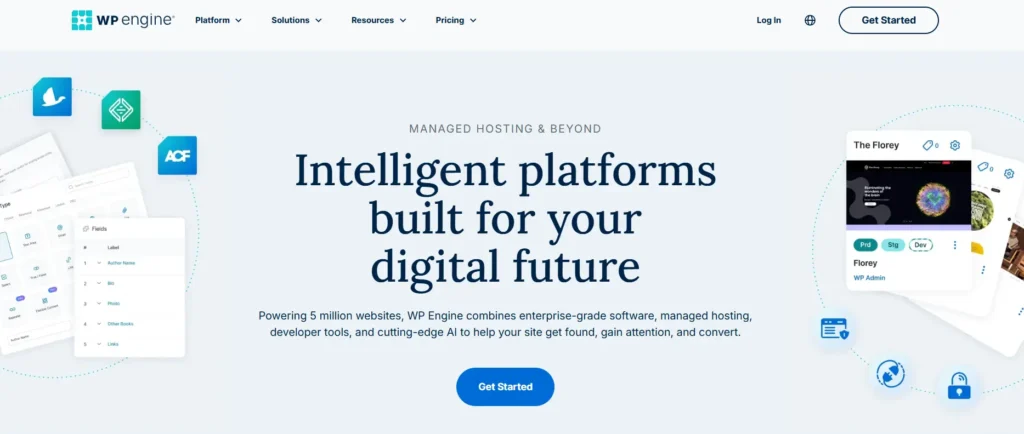
WP Engine is a premium managed WordPress platform built for businesses, agencies, marketing teams, publishers, and performance-heavy WordPress websites.
Its managed hosting includes automatic updates, proactive security, expert support, migrations, developer tools, and performance optimization. Higher-level plans add isolated resources, uptime commitments, advanced monitoring, and additional security options.
WP Engine is best for:
- Established WordPress businesses
- Agencies with multiple client sites
- Ecommerce brands
- Marketing teams
- High-traffic company websites
- Teams that need advanced workflows
- Businesses with strict uptime requirements
WP Engine is designed for websites where professional support, performance, security, and workflow tools are more important than low monthly pricing.
For a basic portfolio or new blog, it may be more than you need. For a business-critical WordPress site, it can be a sensible investment.
5. SiteGround: best for support-focused managed WordPress hosting

SiteGround is a good middle-ground option for users who want managed WordPress features without paying premium enterprise-level prices.
Its managed WordPress hosting includes free WordPress installation, automated transfer, automatic updates, caching, CDN integration, staging, backups, security tools, and 24/7 support.
SiteGround is best for:
- WordPress business websites
- Bloggers who want managed tools
- Freelancers
- Small agencies
- WooCommerce beginners
- Website owners who value support
- Users who need staging and backup tools
SiteGround is especially useful for website owners who want a straightforward control panel and managed performance features without learning cloud server management.
The main thing to watch is renewal pricing. Always compare the introductory rate with the amount you will pay after the first term.
6. DreamHost: best simple managed WordPress hosting for content sites
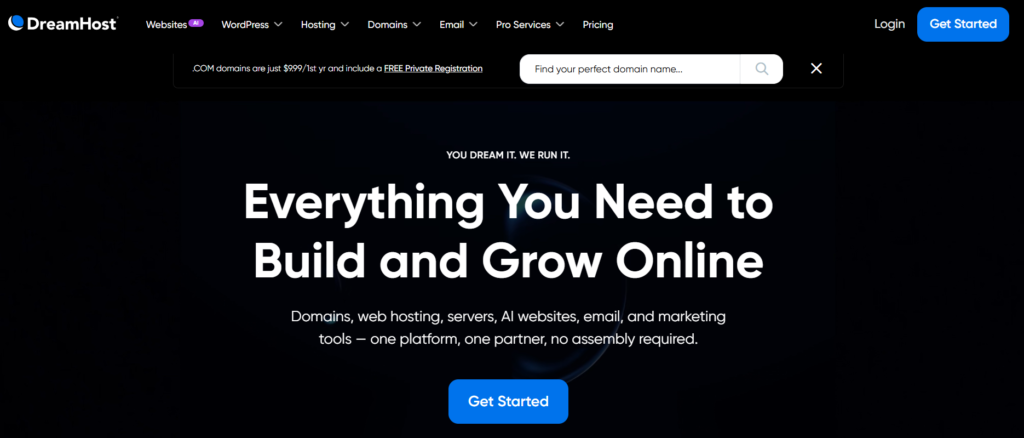
DreamHost’s managed WordPress service, DreamPress, is a good option for bloggers, publishers, consultants, portfolio websites, and content-focused businesses.
DreamPress plans include NVMe storage, daily automated backups, one-click staging, on-demand backup options, CDN access, failover protection, migration support, and WordPress-focused support.
DreamHost is best for:
- Content-heavy blogs
- Publishing websites
- Portfolio websites
- Small businesses
- Consultants and freelancers
- WordPress beginners
- Users who want simple managed hosting
DreamHost is less suitable for businesses that need aggressive cloud scaling, advanced server controls, or complex enterprise ecommerce workflows. In those cases, Cloudways, Kinsta, or WP Engine may be a better fit.
Compare the best managed WordPress hosting options quickly
| Hosting Provider | Best For | Ease of Use | Performance Level | Best Growth Path | Price Level |
|---|---|---|---|---|---|
| Hostinger | Beginners and growing sites | Very easy | Good | Cloud or VPS | Budget |
| Cloudways | Scalable WordPress and WooCommerce | Moderate | Very good | Flexible cloud scaling | Mid-range |
| Kinsta | Authority sites and premium brands | Easy | Excellent | Higher managed plans | Premium |
| WP Engine | Established businesses and agencies | Easy | Excellent | Enterprise hosting | Premium |
| SiteGround | Support-focused WordPress users | Easy | Very good | Cloud hosting | Mid-range |
| DreamHost | Blogs and content sites | Easy | Good | DreamPress upgrades | Budget to mid-range |
Managed WordPress features, pricing, traffic allowances, storage, backup retention, and renewal rates can change. Review the exact plan limits before checkout.
Use this expert checklist before you pay
Before choosing managed WordPress hosting, ask these questions:
- Does the plan include daily backups?
- Can you restore a backup yourself?
- Is staging included?
- Does the host use server-level caching?
- Is a CDN included or easy to connect?
- Does it support modern PHP, MySQL, or MariaDB versions?
- Can you choose a nearby data center?
- Does it support WooCommerce properly?
- Are plugin and theme updates managed safely?
- Does the host provide malware protection?
- Is SSL included?
- Can you migrate your website easily?
- Is expert WordPress support available?
- What happens if traffic increases?
- Can you upgrade without rebuilding your site?
- What is the actual renewal price?
Pro Tip: Do not choose managed WordPress hosting only because it has more features. Choose a plan that solves your actual problem, whether that is speed, backups, WooCommerce performance, support, security, or traffic growth.
Final verdict: which managed WordPress host should you choose?
For most beginners, affiliate marketers, bloggers, and small business owners, Hostinger is the best overall managed WordPress hosting choice. It is simple to use, includes managed features, runs on LiteSpeed infrastructure, and gives users a practical upgrade path as their website grows.
Choose Cloudways when your WordPress or WooCommerce site needs more cloud power, scalable resources, and stronger control over performance settings.
Choose Kinsta when you run a high-value authority website, ecommerce business, agency, or content site where premium speed, staging, backups, and support justify the higher cost.
Choose WP Engine when you need managed WordPress hosting for an established business, marketing team, agency, or enterprise-level site.
Choose SiteGround when you want managed WordPress features, good support, caching, backups, and an easier learning curve.
Choose DreamHost when your main goal is simple managed WordPress hosting for blogging, publishing, content marketing, or a professional website.
The best managed WordPress host is the one that protects your current website while giving you enough room to grow.
FAQs about the best managed WordPress hosting
1. What is the best managed WordPress hosting for beginners?
Hostinger is a strong option for beginners because it combines managed WordPress features, LiteSpeed technology, a simple dashboard, backups, security tools, and an affordable upgrade path.
2. Is managed WordPress hosting worth the extra cost?
Managed WordPress hosting is worth it when your website generates leads, sales, commissions, bookings, or customer data. It reduces the amount of technical work you need to handle by adding backups, caching, security, updates, monitoring, and WordPress-focused support.
3. Is managed WordPress hosting better than shared hosting?
Managed WordPress hosting is usually better for growing sites because it includes WordPress-specific performance, backup, security, and support features. Shared hosting can still be enough for a new blog, portfolio, or simple business website.
4. Does managed WordPress hosting improve SEO?
Managed hosting does not guarantee rankings. However, better speed, uptime, HTTPS, caching, backups, and security can improve user experience and reduce technical problems that may affect your website performance.
5. Which is better for WooCommerce, Cloudways or Kinsta?
Cloudways is often better for WooCommerce owners who want flexible server scaling and more control over resources. Kinsta is better for businesses that want a premium managed WordPress experience with strong support, backups, staging, and performance tools. The right choice depends on your budget and technical comfort.
6. What managed WordPress hosting features matter most?
The most important features are automatic backups, one-click restore, staging, server-level caching, CDN support, SSL, security monitoring, modern PHP and database support, WordPress migration, expert support, and a clear upgrade path.