
Choosing the best hosting for small business is not about paying for the biggest plan or chasing the cheapest first-year deal. It is about finding a host that keeps your website fast, secure, easy to manage, and ready for more visitors when your business grows.
A small business website often does more than display an address and phone number. It may collect leads, book appointments, sell products, publish blog posts, run ads, accept payments, or connect with email marketing tools. When hosting is slow or unreliable, it can cost you inquiries, sales, and trust.
This guide compares six hosting providers that suit different types of small businesses: Hostinger, Cloudways, Kinsta, WP Engine, SiteGround, and DreamHost.
Why do small businesses need better hosting than basic websites?
A simple static website with a few pages can run on nearly any decent hosting plan. A real small business website often needs more.
You may be using WordPress, WooCommerce, contact forms, booking tools, CRM integrations, customer accounts, analytics scripts, payment gateways, and image-heavy service pages. Every one of these adds work for the server.
Weak hosting can lead to slow page speed, missed form submissions, website downtime, security problems, and failed updates. Those are not just technical issues. They can affect customer confidence and make paid advertising less profitable.
A local plumber, consultant, ecommerce store, agency, clinic, restaurant, or professional service provider does not necessarily need enterprise hosting. But they do need reliable backups, SSL, good support, caching, and enough resources to handle their daily traffic.
Pro Tip: Your website is part of your sales process. Treat hosting like a business tool, not a place to save a few dollars per month.
Choose hosting that protects leads, sales, and customer trust
The best small business hosting should protect more than website files. It should help protect your leads, customer data, online reputation, and ability to stay open online.
Before choosing a provider, look for these features:
- Free SSL certificates
- Automatic backups
- One-click WordPress installation
- Website migration support
- Malware and DDoS protection
- Server-level caching
- CDN support
- Business email options
- Simple website dashboard
- Staging tools for testing changes
- Easy upgrades as traffic grows
- Clear renewal pricing
If your website handles payments, appointments, customer logins, or contact forms, backups and security should be treated as essential. A staging environment is also valuable because it lets you test plugin updates, design changes, and new features without risking the live site. WP Engine, Kinsta, SiteGround, and DreamHost all offer staging options on relevant managed WordPress plans.
For a business site built with WordPress, check that the host supports modern PHP and database versions. WordPress currently recommends PHP 8.3 or later with MySQL 8.0 or MariaDB 10.6 or later.
Understand the technical specs before you buy
You do not need to manage a server yourself, but understanding a few basic terms will help you avoid poor hosting decisions.
NVMe SSD vs standard SSD: why storage speed matters
Website storage affects how quickly your host can read WordPress files, database data, product information, images, cached pages, and plugin files.
Traditional hard drives are slower and should be avoided for a modern business website. Standard SSD storage is much faster. NVMe SSD storage is usually faster again because it is designed for quicker data transfer and lower latency.
NVMe storage can be useful for WooCommerce stores, image-heavy service websites, growing blogs, appointment sites, and websites using several WordPress plugins. Hostinger currently lists NVMe storage on its Business and Cloud plans, while its entry-level plans use standard SSD storage.
Storage speed is useful, but it is not a magic fix. A slow site can still be caused by oversized images, a heavy page builder, too many plugins, poor-quality themes, or unnecessary third-party scripts.
Pro Tip: For most small businesses, 20 GB to 50 GB of fast storage is usually more valuable than huge storage limits on a slow server.
LiteSpeed vs Nginx vs Apache: which server is better?
LiteSpeed, Nginx, and Apache are web server technologies. They help deliver website files and process requests from visitors.
Apache is widely supported and remains compatible with a large number of WordPress setups. Nginx is popular for handling high traffic efficiently and is common on premium managed WordPress platforms. LiteSpeed is widely used for WordPress because it supports LiteSpeed Cache and modern protocols such as HTTP/3.
Hostinger uses LiteSpeed technology for its managed web hosting, while Cloudways uses a managed cloud stack that includes caching and performance tools for WordPress.
For a small business, the server brand matters less than the result. Look for caching, updated PHP, enough CPU and RAM, CDN support, and good support when issues arise.
RAM and CPU cores: what do they actually do?
CPU handles processing tasks on your hosting account. RAM helps the server keep those processes running smoothly.
For a business website, CPU and RAM matter when visitors load pages, submit lead forms, search products, book appointments, log into customer areas, or complete checkout.
A small brochure website may work well on a quality shared hosting plan. A WooCommerce store, membership website, appointment system, or busy lead-generation site may need more resources.
Hostinger publishes CPU and RAM limits by plan, with its Cloud Startup plan offering more resources than shared hosting and a path for growing sites. Cloudways also lets customers scale cloud server resources when website demand increases.
Pro Tip: If your website only becomes slow during promotions, seasonal sales, or busy periods, server resources may be more important than adding another WordPress plugin.
Data center locations and latency: why distance matters
A data center is the physical location of the server that runs your website. The farther it is from your visitors, the longer data can take to travel.
If most customers are in the United States, choose a US data center. If your customers are mainly in India, Europe, Australia, or Southeast Asia, select the closest available location.
A content delivery network, or CDN, helps deliver images, CSS, JavaScript, and other static files from locations closer to visitors. However, your main server location still matters for dynamic actions such as booking forms, customer portals, carts, checkout pages, and database searches.
Kinsta currently uses 27 data centers and a CDN with more than 300 edge locations, while Hostinger offers global data centers and free CDN on qualifying plans.
The 6 best hosting providers for small business
1. Hostinger: best overall for most small businesses
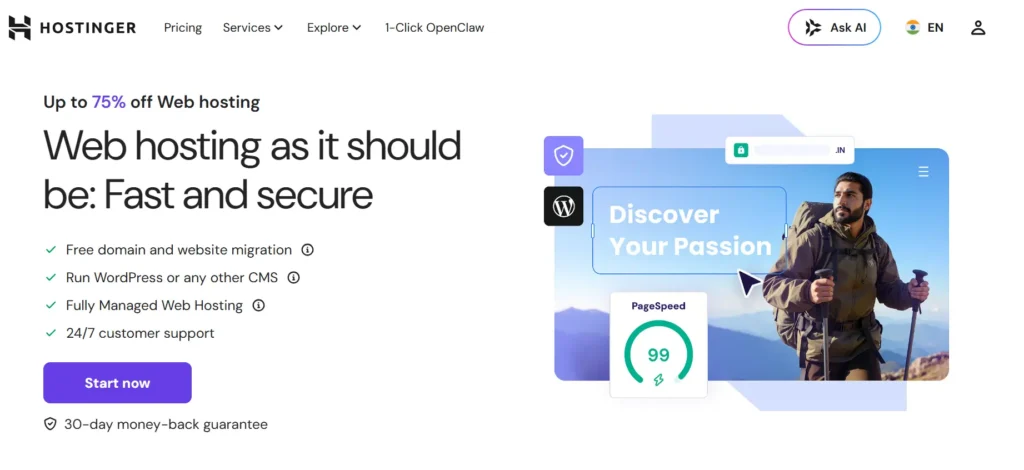
Hostinger is a strong choice for small business owners who want affordable hosting, a simple dashboard, WordPress tools, and room to grow without moving to another provider too quickly.
Its managed hosting includes LiteSpeed technology, a one-click WordPress installer, free SSL, automatic migration, global data centers, and an upgrade path to cloud hosting or VPS. Its Business plan also includes daily and on-demand backups, a free CDN, and WordPress staging tools.
Hostinger is best for:
- Local business websites
- WordPress blogs
- Freelancers and consultants
- Affiliate websites
- Service-based businesses
- Small ecommerce stores
- New businesses on a limited budget
The biggest strength is ease of use. Its hPanel dashboard makes it simple to manage domains, SSL, email, WordPress, backups, and websites in one place.
Hostinger may not be the final destination for a very large WooCommerce store or a high-traffic membership platform. But for most new and growing businesses, it is a practical starting point.
2. Cloudways: best for growing small businesses that need cloud power
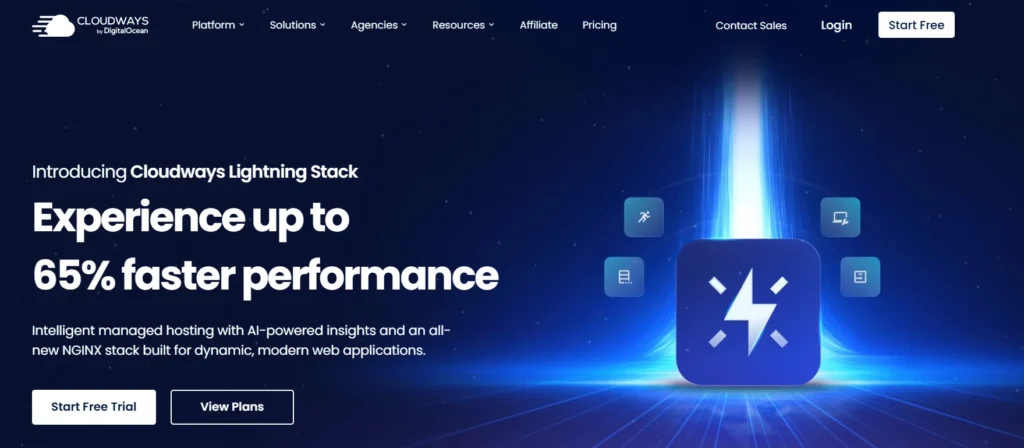
Cloudways is a managed cloud hosting platform for WordPress, WooCommerce, Magento, Laravel, and PHP applications.
It is a good choice for small businesses that have outgrown shared hosting but do not want to manage their own VPS. You get more control over server resources, scaling, backups, staging, application settings, and performance tools.
Cloudways offers managed cloud infrastructure, dedicated server resources, backups, monitoring, and support. It also gives users the option to run applications on multiple cloud providers.
Cloudways is best for:
- Growing WooCommerce stores
- Agencies managing several client websites
- High-traffic WordPress websites
- Service businesses using complex booking systems
- Websites with multiple plugins and integrations
- Businesses that need scalable resources
The downside is that Cloudways is more technical than Hostinger or DreamHost. It is still easier than managing your own cloud server, but complete beginners may need time to learn its dashboard.
3. Kinsta: best premium managed WordPress hosting for high-value businesses
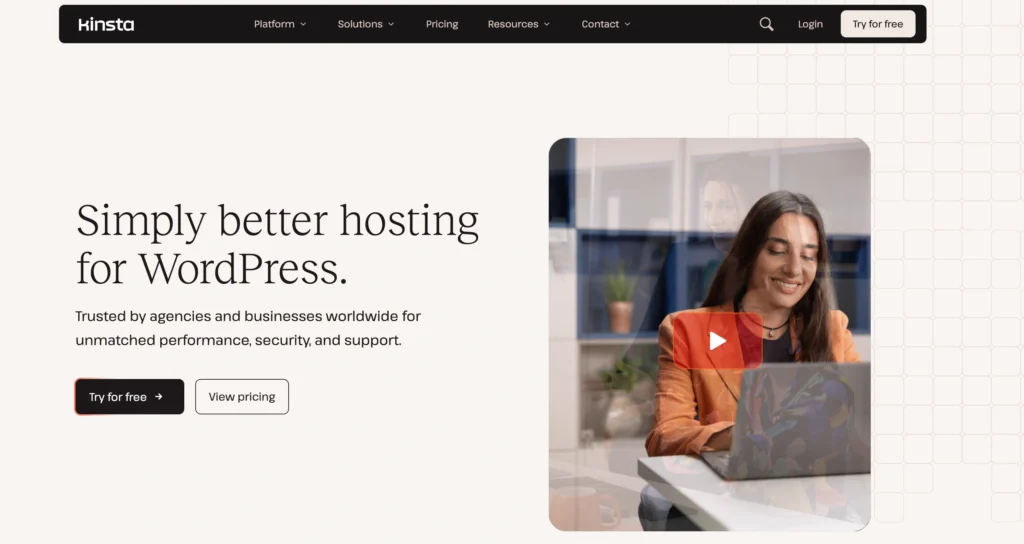
Kinsta is a premium managed WordPress hosting provider for businesses where performance, uptime, security, and support justify a higher monthly cost.
It includes a global CDN, edge caching, automatic daily backups, staging environments, DDoS protection, firewall protection, monitoring, and WordPress-focused support. Kinsta’s platform is built around WordPress, which makes it a strong option for businesses that depend heavily on their website.
Kinsta is best for:
- High-value service businesses
- Established ecommerce brands
- Marketing agencies
- Membership websites
- Lead-generation websites with high traffic
- Businesses that cannot afford downtime
- WordPress sites with serious growth plans
The main drawback is the price. Kinsta is not necessary for a new five-page website, but it can make sense when website leads or online sales are important enough to justify premium hosting.
4. WP Engine: best for established small businesses and agencies
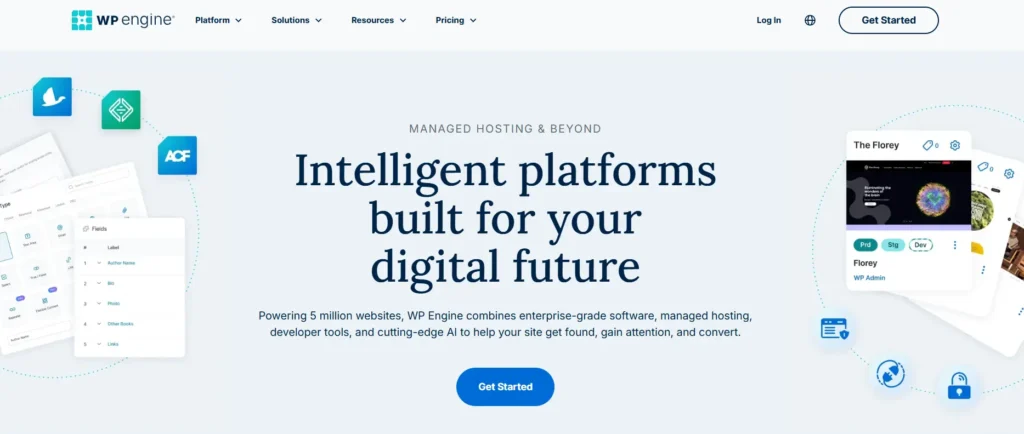
WP Engine is a premium managed WordPress platform built for businesses, agencies, marketing teams, and ecommerce websites.
Its plans include daily and on-demand backups, SSL, security patching, plugin risk scans, EverCache performance tools, one-click staging and development environments, DDoS protection, and SSH access.
WP Engine is best for:
- Agencies with client websites
- Growing ecommerce stores
- Professional service firms
- Established WordPress businesses
- Teams that need staging and development workflows
- Companies with higher security needs
WP Engine also has small-business-specific plans that include SSL, daily backups, CDN, staging, and expert support.
Its main weakness is cost. A small local business that only needs a basic website may get better value from Hostinger or SiteGround. WP Engine makes more sense when downtime or technical issues could directly affect business revenue.
5. SiteGround: best for support-focused business websites
SiteGround is a good fit for small business owners who want managed WordPress features, helpful support, caching, security tools, and a simpler setup process than cloud hosting.
Its managed WordPress hosting includes free installation, automated migration, updates, CDN, caching, backups, staging, a web application firewall, and 24/7 support.
SiteGround is best for:
- Local businesses
- WordPress service websites
- Consultants and freelancers
- Small agencies
- Businesses that need reliable support
- WooCommerce beginners
- Owners who want staging and backup tools
Its GrowBig plan is especially relevant for businesses because it adds advanced caching, on-demand backups, and WordPress staging.
The biggest thing to watch is renewal pricing. Always compare the promotional price with the rate you will pay after the initial billing period.
6. DreamHost: best simple hosting for content-driven businesses
DreamHost is a solid option for bloggers, creators, consultants, small service businesses, and content-driven companies that want straightforward hosting.
It offers standard web hosting, managed WordPress through DreamPress, business email, domains, and 24/7 support. DreamHost advertises a 100% uptime guarantee for its hosting service.
DreamPress adds managed WordPress features such as free migration, WordPress-focused support, staging, and a simple testing environment.
DreamHost is best for:
- Small business blogs
- Content-focused websites
- Freelancers and creative professionals
- Portfolio sites
- Consultants
- Businesses that need simple WordPress management
DreamHost is less suitable for businesses that need aggressive cloud scaling, advanced server controls, or enterprise-grade ecommerce features. In those cases, Cloudways, Kinsta, or WP Engine are stronger options.
Compare the best small business hosting options quickly
| Hosting Provider | Best For | Hosting Type | Ease of Use | Growth Potential | Price Level |
|---|---|---|---|---|---|
| Hostinger | New and growing small businesses | Shared, WordPress, cloud, VPS | Very easy | Good | Budget |
| Cloudways | Growing sites and WooCommerce stores | Managed cloud | Moderate | Excellent | Mid-range |
| Kinsta | High-value WordPress businesses | Managed WordPress | Easy | Excellent | Premium |
| WP Engine | Established businesses and agencies | Managed WordPress | Easy | Excellent | Premium |
| SiteGround | Support-focused business websites | Managed WordPress | Easy | Good | Mid-range |
| DreamHost | Content-driven small businesses | Shared and managed WordPress | Easy | Good | Budget to mid-range |
Plan prices, storage limits, renewal fees, traffic allowances, and included features can change. Review the exact plan details and renewal terms before checkout.
Use this expert checklist before you pay
Before buying hosting for your small business, ask these questions:
- Does the plan include a free SSL certificate?
- How often does the host create backups?
- Can you restore a backup yourself?
- Is website migration included?
- Does it support WordPress or your chosen website platform?
- Does it provide business email or support external email services?
- Is caching included?
- Does it use SSD or NVMe storage?
- Can you choose a nearby server location?
- Is a CDN included or easy to add?
- Does the plan include staging for testing changes?
- Can it handle WooCommerce or online bookings?
- What is the renewal price after the introductory period?
- Is support available 24/7?
- Can you upgrade without moving the website?
- Does the provider offer enough security for your business needs?
Pro Tip: For most small businesses, the best first upgrade is better backups, caching, and support, not a self-managed VPS.
Final verdict: which host should you choose?
For most local businesses, freelancers, consultants, small ecommerce stores, and WordPress website owners, Hostinger is the best overall choice. It offers a simple dashboard, LiteSpeed performance, managed hosting features, free SSL, migration support, and a clear route to cloud hosting as your business grows.
Choose Cloudways if your business website needs scalable cloud resources, better server control, or stronger WooCommerce performance.
Choose Kinsta if your website is a major source of leads or sales and you want premium managed WordPress hosting with strong caching, backups, security, and support.
Choose WP Engine if you are an established business or agency that needs professional WordPress workflows, staging, performance tools, and dependable support.
Choose SiteGround if you value managed WordPress features, responsive support, staging, caching, and a balanced middle-ground option.
Choose DreamHost if your business relies on blogging, content marketing, a portfolio, or a simple professional website.
The best hosting for small business is the host that fits your needs now and gives you a sensible upgrade path later.
FAQs about the best hosting for small business
1. What is the best hosting for small business beginners?
Hostinger is a strong starting option for beginners because it provides managed hosting, WordPress tools, free SSL, migration support, LiteSpeed technology, and an easy dashboard.
2. Is shared hosting enough for a small business website?
Yes, shared hosting is enough for many small businesses, especially local service websites, portfolios, blogs, and basic WordPress sites. Upgrade when you receive steady traffic, run WooCommerce, use a booking system, or need more server resources.
3. How much should a small business spend on hosting?
A new business can start with a budget hosting plan. Spend more when your website generates leads, accepts payments, runs ads, stores customer data, or cannot afford downtime.
4. Does hosting affect local SEO rankings?
Hosting does not guarantee rankings. However, slow speed, frequent downtime, broken pages, poor security, and failed HTTPS setup can hurt user experience and make your website less reliable for visitors and search engines.
5. Which is better for small business websites, LiteSpeed or Nginx?
Both can work well. LiteSpeed is useful for WordPress websites that want LiteSpeed Cache and simple server-level caching. Nginx is common on premium managed platforms and works well for larger traffic loads. Caching, server resources, support, and data center location are usually more important than the server name alone.
6. What hosting features matter most for a small business?
The most important features are SSL, automatic backups, easy restoration, fast storage, caching, malware protection, good support, website migration, business email support, staging, CDN access, and a clear upgrade path.